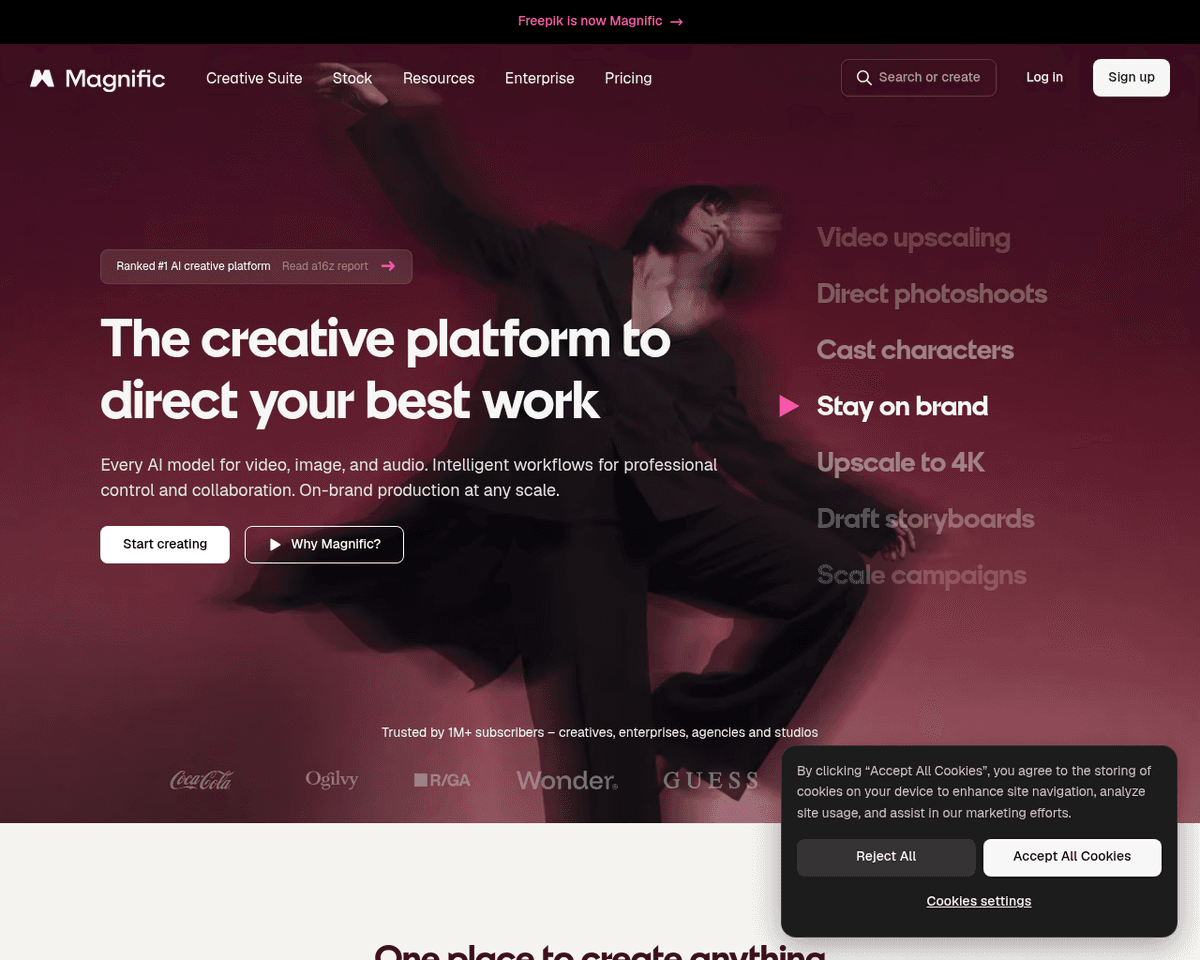
 Live Preview
Magnific AI
Features
- AI Image Upscaling — Utilizes advanced AI technology to upscale low-resolution images, adding intricate details and improving clarity.
- Natural Language Prompts — Allows users to guide the enhancement process through descriptive prompts, ensuring personalized results.
- Adjustable Creativity Settings — Features a creativity slider that lets users control the level of detail enhancement, providing customizable outputs.
- User-Friendly Interface — Designed for ease of use, making it accessible for both beginners and professionals with intuitive navigation.
- Versatile Applications — Suitable for enhancing portraits, illustrations, video game assets, and more, offering broad usability across different fields.
- Remarkable Precision — Transforms low-resolution images into high-resolution versions with exceptional detail and quality improvements.
FAQ
What is Magnific AI?
One of its standout features is the ability to upscale low-resolution images, enriching them with fine details and improved clarity. Users can guide the enhancement process through natural language prompts, allowing for a more tailored experience. The adjustable creativity settings further empower u
How much does Magnific AI cost?
Visit the official Magnific AI website for the most up-to-date pricing information and available plans.
What are the key features of Magnific AI?
Magnific AI includes features such as: [object Object], [object Object], [object Object], [object Object], [object Object].
What category does Magnific AI fall under?
Magnific AI is listed under Photo Editing & Enhancement and Design Tools on Hack the Prompt. It competes with other tools in this space.
Related Tools
Tools with similar capabilities you might also like
The technology ensures that the final output maintains a professional quality that often rivals traditional photography, making it difficult for viewers to disc
By harnessing a blend of deep learning networks and classical algorithms, it ensures that the vectorization process retains the integrity and quality of the ori
Its user-friendly interface allows individuals, regardless of their experience level, to navigate through various tools effortlessly. The AI Photo Editor simpli

The offerings include Pixelmator Pro, which is equipped with professional-grade tools for advanced editing, and Photomator, which leverages artificial intellige
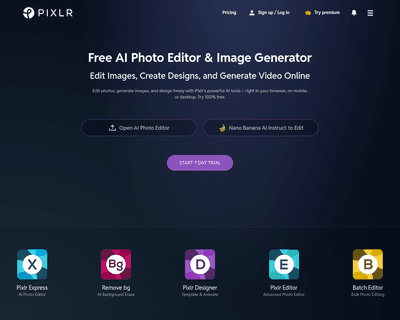
With two primary tools—Pixlr X and Pixlr E—users can choose between a simplified design experience or a more intricate editing environment. Pixlr X is particula

With a wide selection of templates spanning various formats like logos, business cards, posters, and social media posts, Wepik offers a user-friendly experience