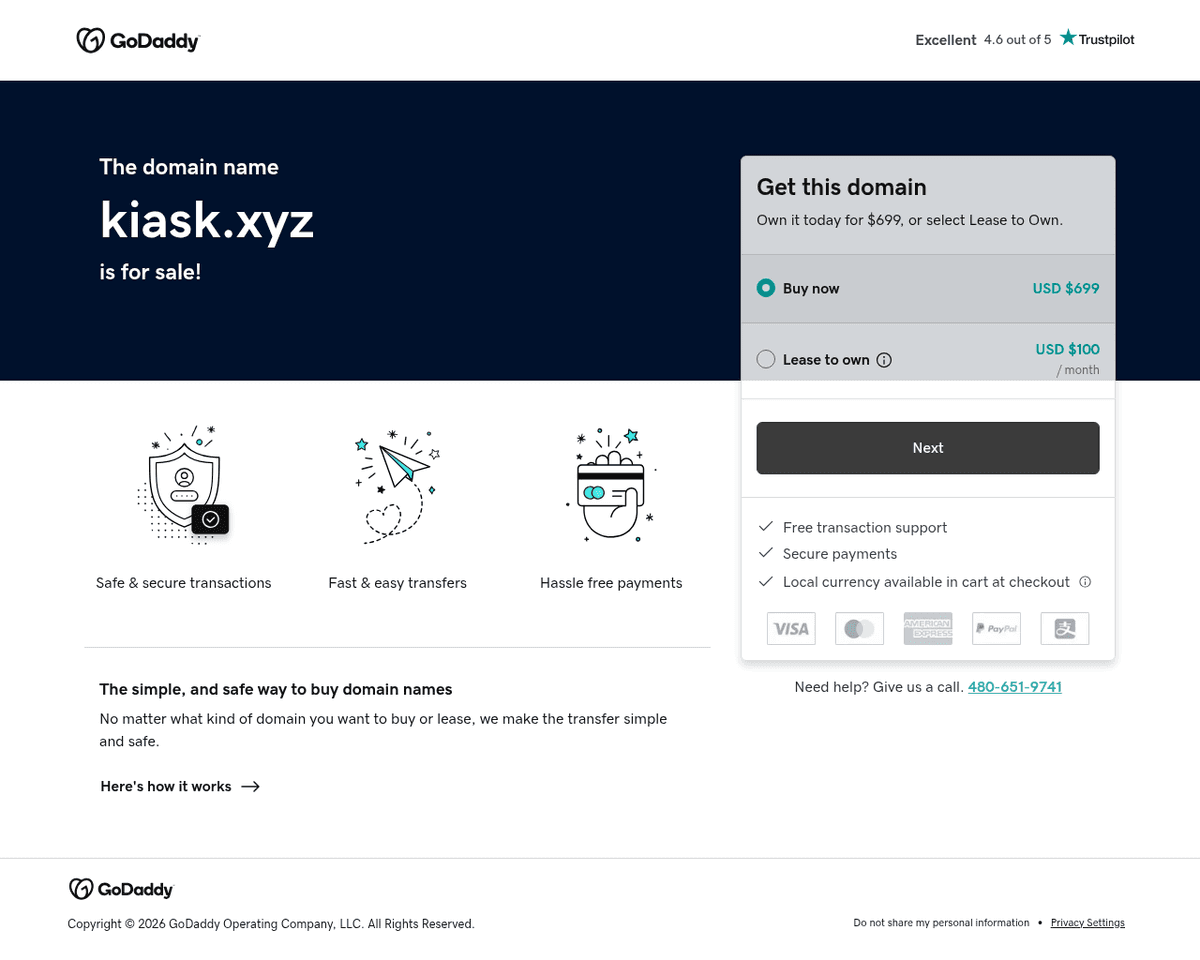
 Live Preview
KiAsk
Features
- One-click sharing — Easily share your AI conversations with just a single click.
- Public conversation feed — Explore a wide array of shared conversations from the community.
- User profiles and avatars — Personalize your experience with unique profiles and avatars.
- Clean and simple interface — Enjoy a user-friendly design that makes navigation a breeze.
- Built-in commenting system — Engage in discussions and provide feedback on shared conversations.
- Completely free and open source — Access all features without any cost and contribute to the community-driven project.
Use Cases
- AI Tutoring Examples — KiAsk Share allows educators to share AI tutoring conversations, providing students with real-world examples of how to effectively learn different subjects using AI tools like ChatGPT.
- Community Discussions — The platform fosters community engagement by enabling users to comment and discuss shared conversations, creating a collaborative environment for learners and educators alike.
- Inspiration for Developers — Developers can showcase their AI application prototypes, receive feedback, and inspire others to innovate, thus enhancing the AI ecosystem with new ideas and integrations.
- Learning New Use Cases — Students and learners can explore various creative AI use cases shared by others, gaining insights and inspiration for their own projects and conversations.
- Best Practices for Educators — Teachers can highlight best practices in AI usage, sharing effective prompting techniques that can help enhance the learning experience for their students.
- Showcasing AI Capabilities — Researchers and AI trainers can share experiments and findings on AI capabilities, helping others understand the limitations and potential of AI technology.
Related Tools
Tools with similar capabilities you might also like
This approach allows users to bypass the complexities of manual coding by simply conversing with the AI assistant. Whether you're looking to create a new diagra
By harnessing artificial intelligence, YourMove.ai helps users craft engaging dating profiles that highlight their best traits, making them more appealing to po
With features like an AI image generator, which allows users to create artwork from simple text prompts, and an AI chat function that can assist in generating s
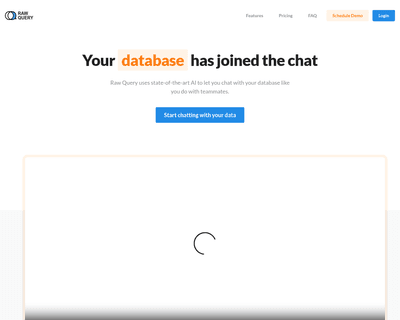
This platform leverages advanced AI technology to interpret user queries, translating them into SQL commands that can be executed seamlessly. With compatibility
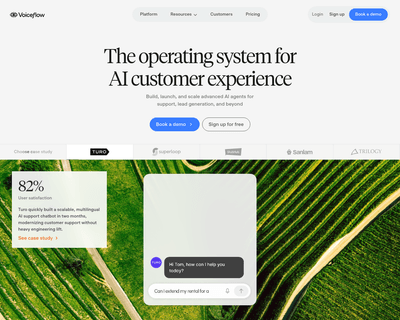
Its intuitive canvas-based design system enables the crafting of intricate conversational flows, while features like context layering and reusable components en
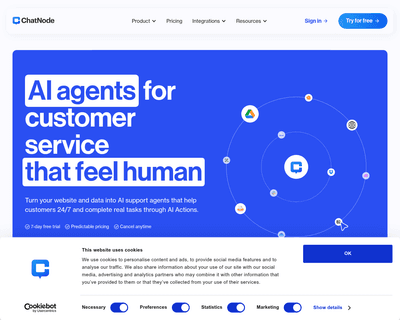
By leveraging OpenAI's advanced GPT technology, users can train chatbots using their own data, whether it’s from websites, documents, or other text sources. Thi