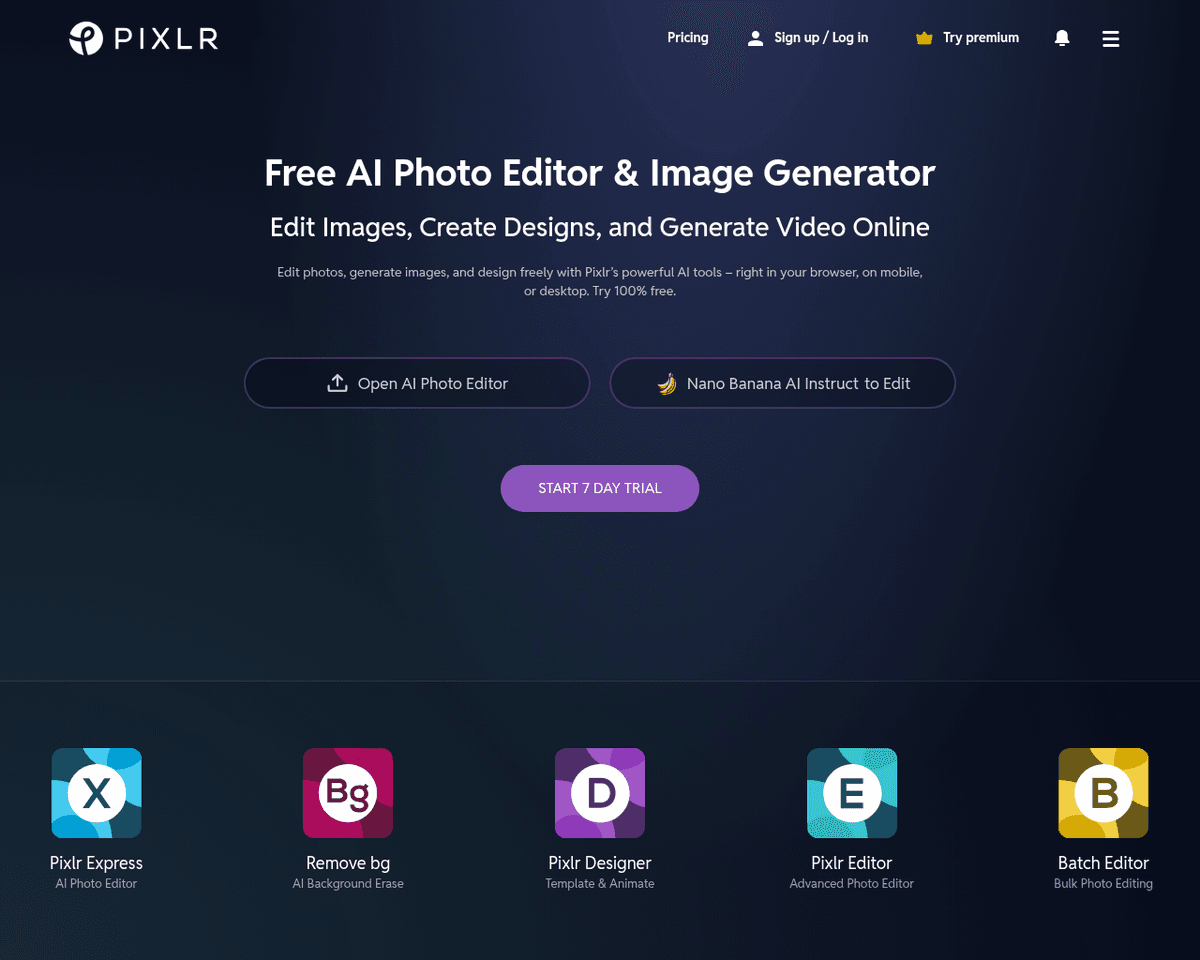
 Live Preview
Pixlr
Features
- Free and Accessible — Pixlr.com offers a range of photo editing and design tools at no cost, making it accessible to everyone.
- Two Powerful Tools — Users can choose between Pixlr X for user-friendly design and Pixlr E for advanced photo editing, catering to different skill levels.
- Wide Range of Features — The platform includes professional animation presets, background removal, collage making, and a variety of filters and effects.
- Intuitive Interface — The user-friendly design allows for easy navigation and quick access to tools, making it suitable for beginners.
- Offline Editing Options — Users can download Pixlr desktop apps for offline editing, providing flexibility to work anytime and anywhere.
- Easy Sharing Capabilities — Pixlr allows users to save and share their designs easily via email, social media, or through its own image hosting service.
FAQ
What is Pixlr?
With two primary tools—Pixlr X and Pixlr E—users can choose between a simplified design experience or a more intricate editing environment. Pixlr X is particularly appealing for those who want to create visually engaging content quickly, offering a range of templates, animation presets, and easy-to-
How much does Pixlr cost?
Visit the official Pixlr website for the most up-to-date pricing information and available plans.
What are the key features of Pixlr?
Pixlr includes features such as: [object Object], [object Object], [object Object], [object Object], [object Object].
What category does Pixlr fall under?
Pixlr is listed under Photo Editing & Enhancement and Design Tools on Hack the Prompt.
Related Tools
Tools with similar capabilities you might also like
One of its standout features is the ability to upscale low-resolution images, enriching them with fine details and improved clarity. Users can guide the enhance
The technology ensures that the final output maintains a professional quality that often rivals traditional photography, making it difficult for viewers to disc
By harnessing a blend of deep learning networks and classical algorithms, it ensures that the vectorization process retains the integrity and quality of the ori
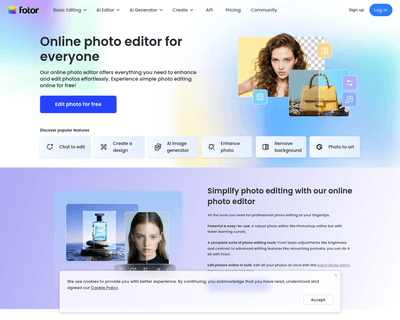
Its user-friendly interface allows individuals, regardless of their experience level, to navigate through various tools effortlessly. The AI Photo Editor simpli

The offerings include Pixelmator Pro, which is equipped with professional-grade tools for advanced editing, and Photomator, which leverages artificial intellige
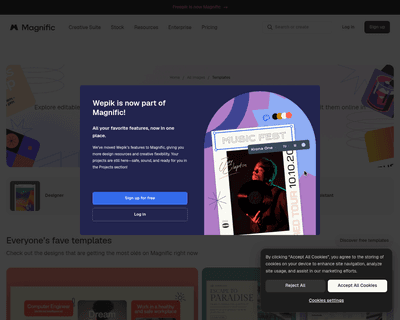
With a wide selection of templates spanning various formats like logos, business cards, posters, and social media posts, Wepik offers a user-friendly experience