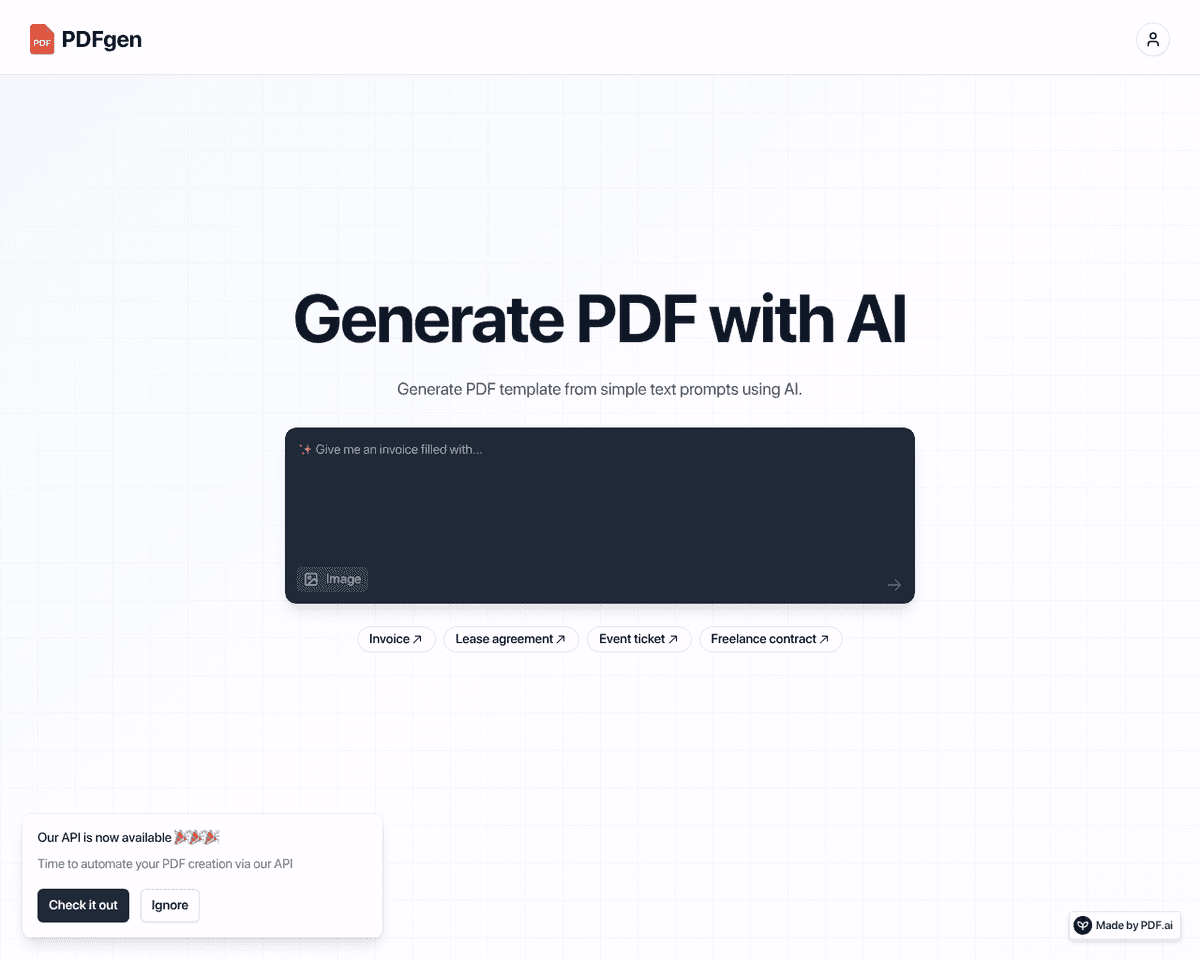
 Live Preview
PDFgen
Features
- AI-Powered PDF Generation — PDFgen harnesses the power of AI to create PDF templates effortlessly from simple text prompts.
- Automated Document Creation — Say goodbye to manual document preparation; PDFgen automates the entire PDF creation process.
- Seamless Integration with REST API — Easily integrate PDFgen into your existing workflows with its well-documented REST API.
- Efficient Batch Processing — Generate multiple PDFs at once, streamlining tasks like invoices and contracts.
- User-Friendly Interface — Enjoy a straightforward and intuitive interface that makes PDF creation accessible to everyone.
- Customizable Templates — Tailor your PDF templates to fit your specific needs, ensuring a professional look every time.
FAQ
What is PDFgen?
This functionality is particularly beneficial for businesses and individuals who regularly handle a variety of documents, such as invoices, contracts, and tickets. By automating the PDF generation process, users can save time and reduce the likelihood of errors, allowing them to focus on more critic
How much does PDFgen cost?
Visit the official PDFgen website for the most up-to-date pricing.
What are the key features of PDFgen?
PDFgen includes features such as: [object Object], [object Object], [object Object], [object Object], [object Object].
Related Tools
Tools with similar capabilities you might also like
By leveraging advanced voice recognition technology, this application allows users to either upload recordings or have the AI listen in real-time during meeting
It allows individuals to upload their documents to a secure cloud environment, ensuring safe storage and easy global access through a Content Delivery Network (
With its capability to seamlessly integrate into platforms like Google Meet, Zoom, and MS Teams, it captures spoken dialogue and converts it into text, ensuring
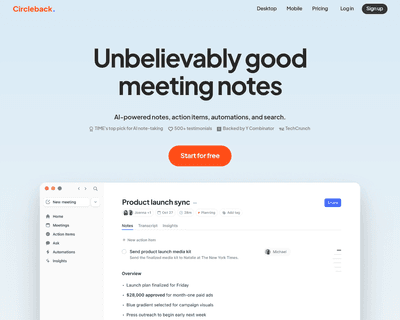
By simply pasting the meeting invite link into the app, users can delegate the task of note-taking to the AI assistant. After the meeting concludes, Circleback
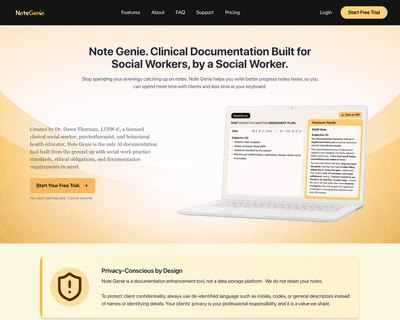
By allowing users to select templates or start typing directly, the platform simplifies the documentation process. Once notes are created, the AI assistant offe
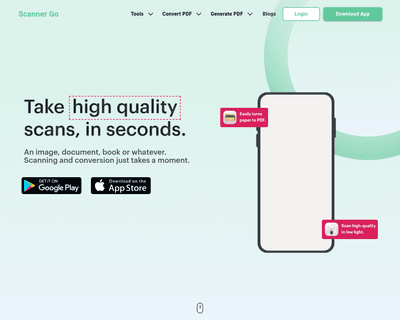
With its mobile app, users can quickly capture high-quality scans using their device's camera, making it a convenient option for those on the move. The platform