 Live Preview
Canvas by Magicstudio
Features
- AI Headshot Generator — Transforms selfies into professional business headshots, saving you time and money on traditional photoshoots.
- Background Remover — Automatically removes backgrounds in seconds, giving you the option to download images with or without colored backgrounds.
- Magic Eraser — Easily removes unwanted objects, people, or text from images by simply selecting the area to erase.
- Image Upscaler — Enlarges images up to 4K resolution without losing quality, sharpening and clarifying pixelated images.
- Photo Booth — Creates trendy social media profile pictures with automatic touch-ups to enhance your look.
- AI Art Generator — Transforms text descriptions into unique AI-generated artwork, bringing your imagination to life.
Use Cases
- Professional Image Editing — Magic Studio helps professionals create polished profile and business photos, saving time and money compared to traditional photoshoots, making it essential for anyone looking to enhance their professional image.
- Social Media Enhancement — Content creators and social media influencers can elevate their visual branding with Magic Studio's editing tools, ensuring their images stand out and resonate with their audience.
- Student and Job Seeker Profiles — Students and job seekers can improve their digital presence with professional headshots and enhanced profile pictures, making a lasting impression on potential employers or educational institutions.
- Marketing Material Optimization — Companies can use Magic Studio to edit and optimize images for marketing materials, ensuring high-quality visuals that attract and engage customers effectively.
- Photographer's Post-Processing Aid — Photographers can save significant time on post-processing tasks like background removal, allowing them to focus on their creative work and deliver results faster.
- Personal Photo Improvement — Anyone looking to stylize or improve their personal photos can benefit from Magic Studio's user-friendly editing features, making it accessible for casual users seeking professional results.
Related Tools
Tools with similar capabilities you might also like
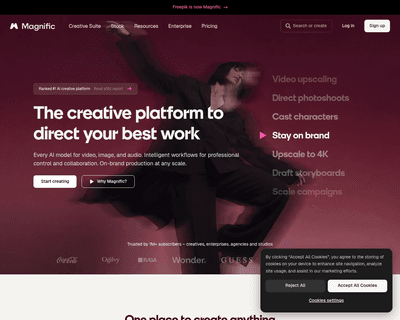
One of its standout features is the ability to upscale low-resolution images, enriching them with fine details and improved clarity. Users can guide the enhance
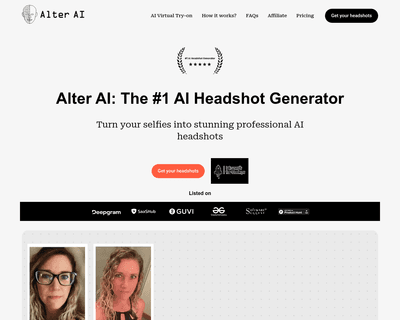
The technology ensures that the final output maintains a professional quality that often rivals traditional photography, making it difficult for viewers to disc
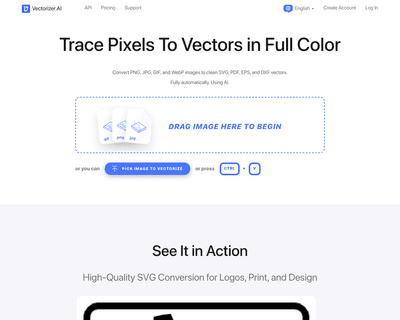
By harnessing a blend of deep learning networks and classical algorithms, it ensures that the vectorization process retains the integrity and quality of the ori
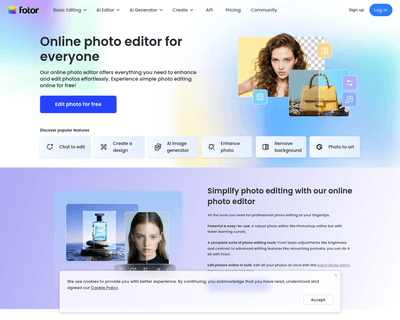
Its user-friendly interface allows individuals, regardless of their experience level, to navigate through various tools effortlessly. The AI Photo Editor simpli

The offerings include Pixelmator Pro, which is equipped with professional-grade tools for advanced editing, and Photomator, which leverages artificial intellige
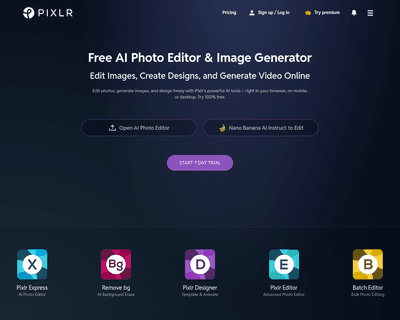
With two primary tools—Pixlr X and Pixlr E—users can choose between a simplified design experience or a more intricate editing environment. Pixlr X is particula