 Live Preview
Fixpix
Features
- Modular Plugin System — Easily add advanced features like style transfers and object detection with downloadable plugins.
- AI-Powered Enhancements — Utilize cutting-edge AI to improve image quality and appeal effortlessly.
- Offline Functionality — Download and install FixPix directly on your computer without needing an internet connection.
- Advanced Image Processing — Perform tasks such as image colorization, resolution enhancement, and facial feature enhancement.
- Custom Plugin Development — Developers can create their own plugins using Python and web languages, extending FixPix's functionality.
- Open-Source and Free — Enjoy all features of FixPix at no cost, with the option to contribute to its development.
Use Cases
- Photographers — FixPix enhances photos through upscaling, colorizing, and restoration, allowing photographers to boost the quality and appeal of their work effortlessly.
- Graphic Designers — With FixPix, graphic designers can easily generate engaging visual content, transforming ordinary images into eye-catching graphics and illustrations.
- Artists — Artists can transform their works into new styles and mediums using FixPix's advanced artistic style transfer features, bringing their creativity to life.
- Researchers — Researchers can utilize FixPix to test image processing algorithms, helping to advance their studies in computational photography and image analysis.
- Social Media Users — Casual users can have fun editing personal images for social media, enhancing photos for platforms like Instagram and Facebook with ease.
Related Tools
Tools with similar capabilities you might also like
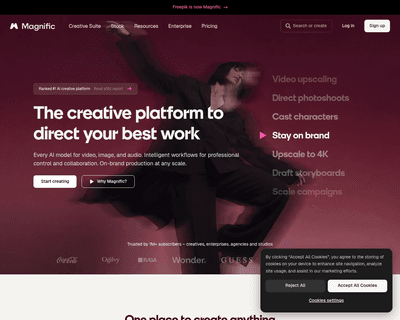
One of its standout features is the ability to upscale low-resolution images, enriching them with fine details and improved clarity. Users can guide the enhance

The technology ensures that the final output maintains a professional quality that often rivals traditional photography, making it difficult for viewers to disc
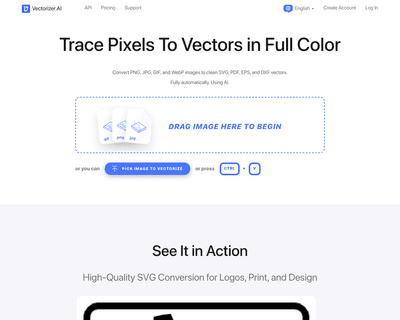
By harnessing a blend of deep learning networks and classical algorithms, it ensures that the vectorization process retains the integrity and quality of the ori

Its user-friendly interface allows individuals, regardless of their experience level, to navigate through various tools effortlessly. The AI Photo Editor simpli

The offerings include Pixelmator Pro, which is equipped with professional-grade tools for advanced editing, and Photomator, which leverages artificial intellige
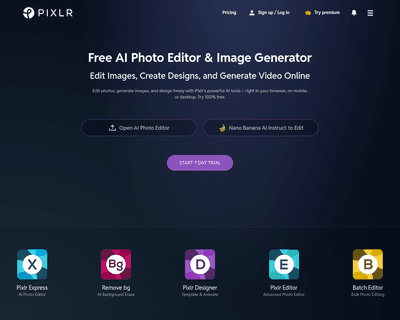
With two primary tools—Pixlr X and Pixlr E—users can choose between a simplified design experience or a more intricate editing environment. Pixlr X is particula