 Live Preview
Magic Brush AI
Features
- Image Generation — Easily create new images from text descriptions with the power of AI.
- Image Editing — Apply edits and adjustments like increasing image resolution and modifying styles effortlessly.
- Text to Image — Turn text prompts into images through AI technology.
- Fast and Easy — Make powerful image edits and creations in just a few clicks.
- Figma Integration — Seamlessly use MagicBrush within the Figma design workflow.
- Creative Freedom — Unlock new creative possibilities for image generation and editing with AI capabilities.
FAQ
What is Magic Brush AI?
By leveraging AI technology, it allows users to generate images from text prompts, modify existing visuals, and upscale image resolution with minimal effort. This capability not only saves time but also opens up new avenues for creativity, enabling users to produce custom graphics, logos, and market
How much does Magic Brush AI cost?
Visit the official Magic Brush AI website for the most up-to-date pricing.
What are the key features of Magic Brush AI?
Magic Brush AI includes features such as: [object Object], [object Object], [object Object], [object Object], [object Object].
Related Tools
Tools with similar capabilities you might also like
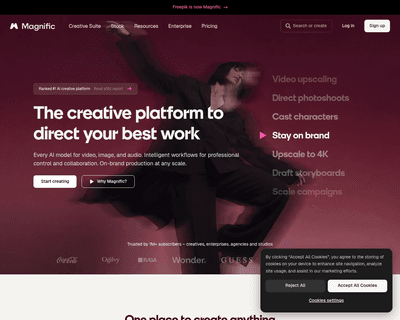
One of its standout features is the ability to upscale low-resolution images, enriching them with fine details and improved clarity. Users can guide the enhance
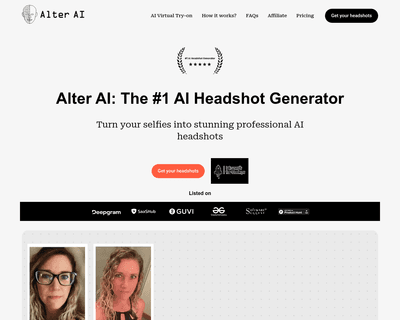
The technology ensures that the final output maintains a professional quality that often rivals traditional photography, making it difficult for viewers to disc
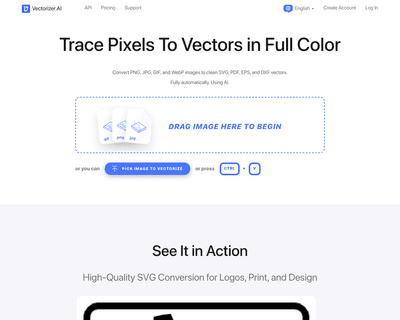
By harnessing a blend of deep learning networks and classical algorithms, it ensures that the vectorization process retains the integrity and quality of the ori
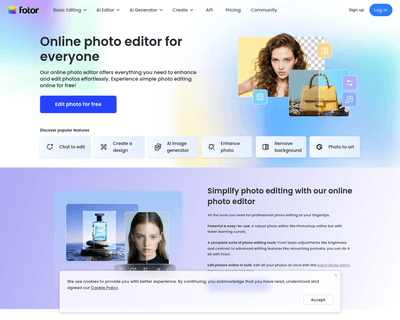
Its user-friendly interface allows individuals, regardless of their experience level, to navigate through various tools effortlessly. The AI Photo Editor simpli

The offerings include Pixelmator Pro, which is equipped with professional-grade tools for advanced editing, and Photomator, which leverages artificial intellige
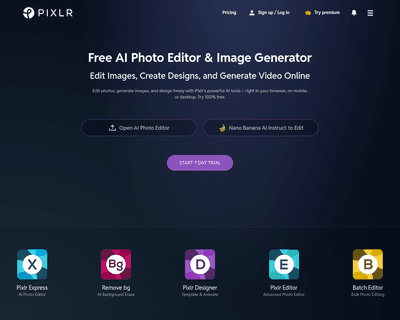
With two primary tools—Pixlr X and Pixlr E—users can choose between a simplified design experience or a more intricate editing environment. Pixlr X is particula