 Live Preview
PixelCutAI
Features
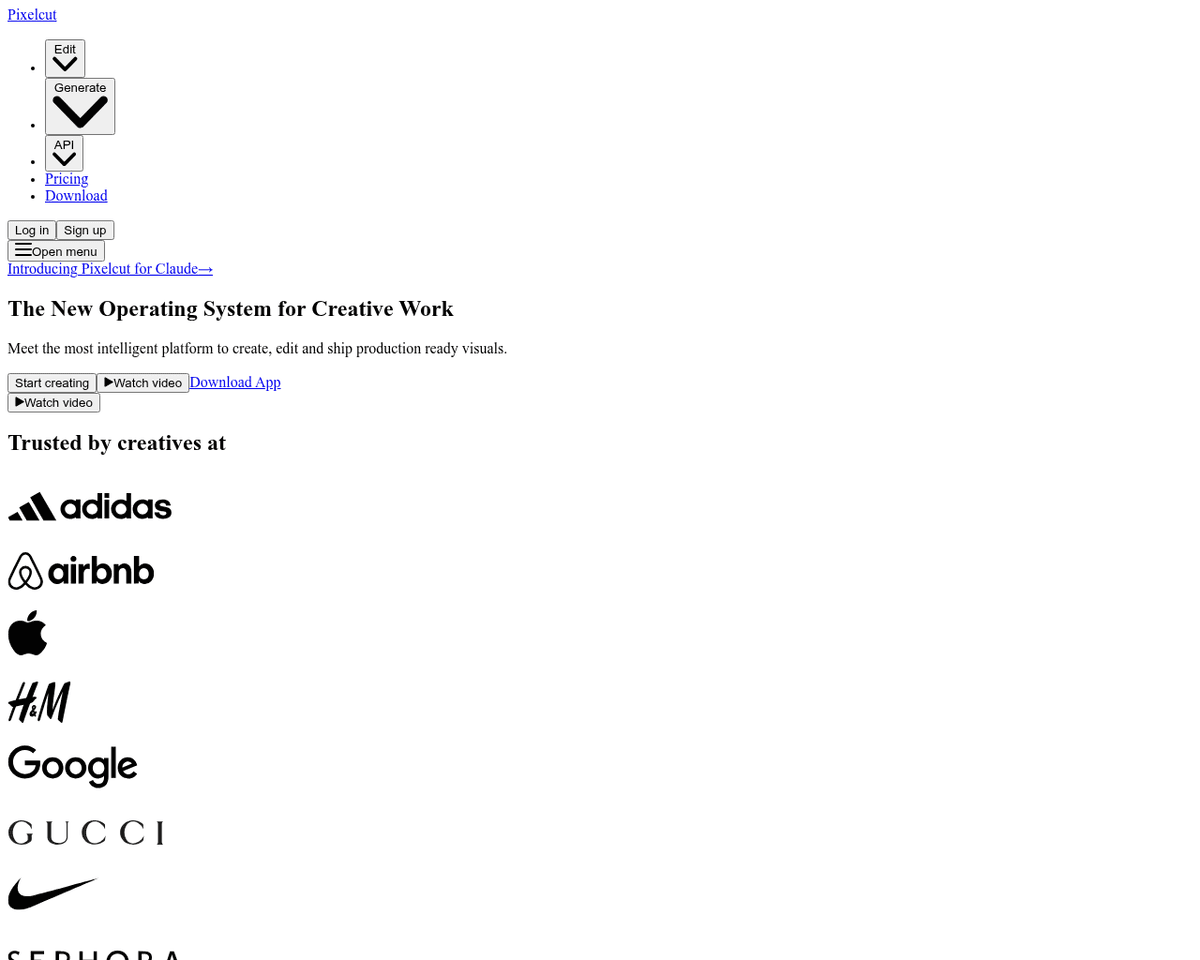
- Background Remover and Magic Eraser Tools — Effortlessly eliminate backgrounds or erase objects from images using these intuitive tools.
- Image Upscaler Tool — Enhance images to stunning 4K resolution without losing quality or intricate details.
- Virtual Studio Feature — Create captivating product photos by seamlessly integrating AI-generated backgrounds, mimicking a professional studio setup.
- Template Library Feature — Access a diverse assortment of conversion-focused templates designed to attract and engage potential customers.
- Team Collaboration Feature — Collaborate efficiently by sharing projects, templates, and resources with your team members.
- AI-Powered Editing Tools — Streamline your editing tasks with AI-backed tools for cropping, resizing, rotation, text addition, filters, stickers, and more.
FAQ
What is PixelCutAI?
With its intuitive interface, users can easily import product photos and select from a variety of AI-generated backgrounds, allowing for quick adjustments in lighting and shadows. The platform's image upscaling feature is particularly noteworthy, enabling users to enhance images up to four times the
How much does PixelCutAI cost?
Visit the official PixelCutAI website for the most up-to-date pricing.
What are the key features of PixelCutAI?
PixelCutAI includes features such as: [object Object], [object Object], [object Object], [object Object], [object Object].
Related Tools
Tools with similar capabilities you might also like

One of its standout features is the ability to upscale low-resolution images, enriching them with fine details and improved clarity. Users can guide the enhance
The technology ensures that the final output maintains a professional quality that often rivals traditional photography, making it difficult for viewers to disc
By harnessing a blend of deep learning networks and classical algorithms, it ensures that the vectorization process retains the integrity and quality of the ori

Its user-friendly interface allows individuals, regardless of their experience level, to navigate through various tools effortlessly. The AI Photo Editor simpli

The offerings include Pixelmator Pro, which is equipped with professional-grade tools for advanced editing, and Photomator, which leverages artificial intellige
With two primary tools—Pixlr X and Pixlr E—users can choose between a simplified design experience or a more intricate editing environment. Pixlr X is particula