 Live Preview
Removebg.dev
Features
- Completely free to use — Enjoy unlimited access for non-commercial purposes with no hidden fees.
- User-friendly one-click background removal — Effortlessly remove backgrounds with just a simple click, making it perfect for everyone.
- Advanced AI technology — Experience accurate background detection that preserves the main subject of your images.
- Supports multiple image formats — Easily work with JPG, PNG, BMP, and other common formats without hassle.
- High-quality output — Rest assured that your edited images retain their original resolution and quality.
- No registration required — Get started right away with a simple online interface that doesn't need any account setup.
Use Cases
- Graphic Design — Remove.bg is a game-changer for graphic designers, allowing them to isolate objects effortlessly for presentations, posters, and infographics, saving time and enhancing creativity.
- Ecommerce — Online sellers can use Remove.bg to clean up product images, ensuring that their catalogs and online stores look professional and appealing to customers.
- Marketing — Marketers can create stunning images for ads and social media, leveraging Remove.bg to enhance visual content and engage their audience effectively.
- Photography — Photographers can refine portraits and event photos with ease, using Remove.bg to focus on the subjects and eliminate distracting backgrounds.
- Personal Use — Individuals can enhance their personal images, removing backgrounds from profile pictures and family photos to create memorable keepsakes.
Related Tools
Tools with similar capabilities you might also like
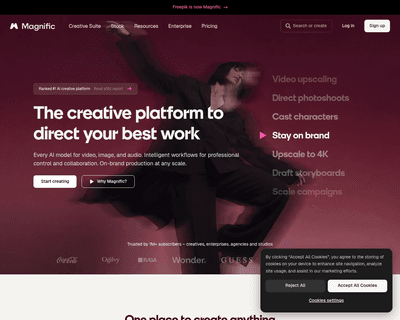
One of its standout features is the ability to upscale low-resolution images, enriching them with fine details and improved clarity. Users can guide the enhance
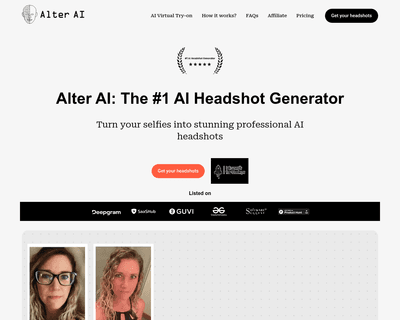
The technology ensures that the final output maintains a professional quality that often rivals traditional photography, making it difficult for viewers to disc
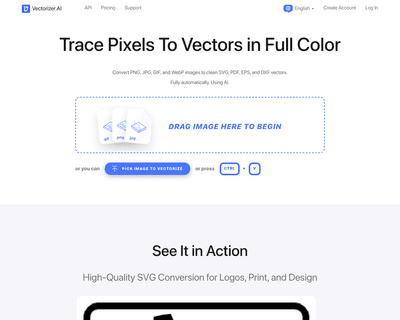
By harnessing a blend of deep learning networks and classical algorithms, it ensures that the vectorization process retains the integrity and quality of the ori
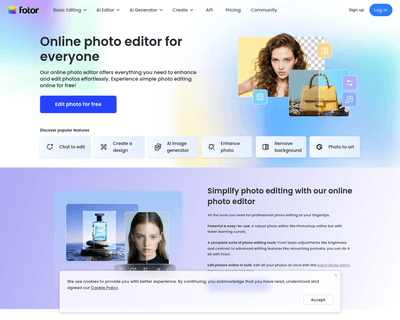
Its user-friendly interface allows individuals, regardless of their experience level, to navigate through various tools effortlessly. The AI Photo Editor simpli

The offerings include Pixelmator Pro, which is equipped with professional-grade tools for advanced editing, and Photomator, which leverages artificial intellige
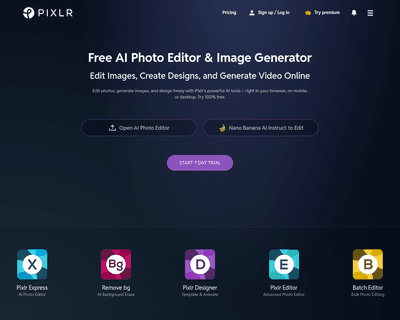
With two primary tools—Pixlr X and Pixlr E—users can choose between a simplified design experience or a more intricate editing environment. Pixlr X is particula