 Live Preview
Slazzer 3.0
Features
- Automatic Background Removal — Slazzer 3.0 removes backgrounds in seconds, saving you hours of manual editing.
- Advanced AI Analysis — The tool utilizes sophisticated AI algorithms to accurately identify subjects, even in complex images.
- Pixel-Level Precision — Through semantic segmentation, Slazzer ensures a clean cutout with meticulous detail, handling intricate edges like hair and fur.
- User-Friendly Interface — Designed for ease of use, Slazzer allows anyone to navigate the platform effortlessly, regardless of technical skill.
- High Compatibility — Works seamlessly across various operating systems and integrates with popular design tools like Photoshop and Figma.
- Bulk Processing Capabilities — Ideal for users needing to edit large volumes of images, allowing for efficient handling and consistent results.
Use Cases
- Ecommerce Product Shots — Slazzer 3.0 is perfect for ecommerce businesses looking to enhance their product images. It allows you to quickly remove backgrounds and create consistent branding, making your online store visually appealing and professional.
- Social Media Marketing — For social media managers and influencers, Slazzer 3.0 helps create eye-catching visuals that stand out. Easily cut out objects and change backgrounds to produce stunning content that captures audience attention.
- Presentations & Documents — Educators and business professionals can benefit from Slazzer 3.0 by exporting clean PNGs for presentations and reports. It allows for polished visuals, ensuring that your documents look professional and engaging.
- Advertisements & Promotions — Marketers can leverage Slazzer 3.0 to create compelling ads by easily editing intricate images. Remove backgrounds from lifestyle photos and craft high-quality visuals that captivate your target audience.
Related Tools
Tools with similar capabilities you might also like

One of its standout features is the ability to upscale low-resolution images, enriching them with fine details and improved clarity. Users can guide the enhance
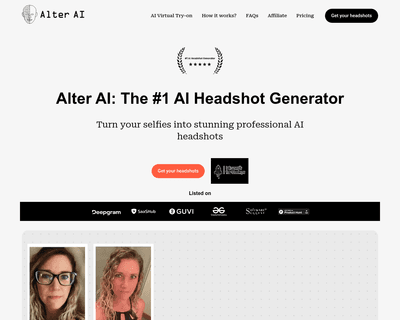
The technology ensures that the final output maintains a professional quality that often rivals traditional photography, making it difficult for viewers to disc
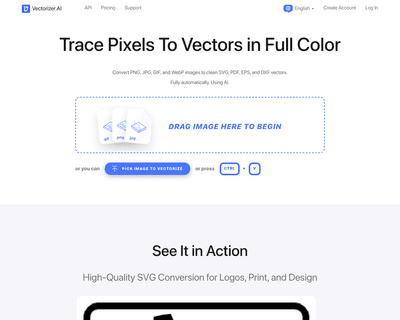
By harnessing a blend of deep learning networks and classical algorithms, it ensures that the vectorization process retains the integrity and quality of the ori

Its user-friendly interface allows individuals, regardless of their experience level, to navigate through various tools effortlessly. The AI Photo Editor simpli

The offerings include Pixelmator Pro, which is equipped with professional-grade tools for advanced editing, and Photomator, which leverages artificial intellige
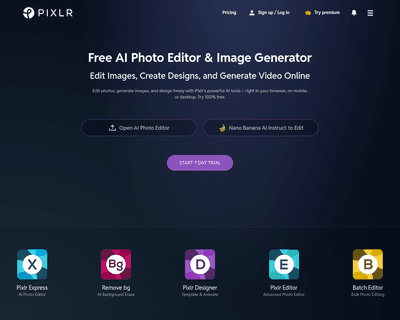
With two primary tools—Pixlr X and Pixlr E—users can choose between a simplified design experience or a more intricate editing environment. Pixlr X is particula